Technical SEO checklist for SaaS websites: the 15 checks that matter
Great content can’t rank if Google and AI crawlers can’t read it. These are the 15 technical checks we run first on every SaaS website, in priority order.
 Trickency Team
October 21, 2026
4 min read
SaaS websites break SEO in predictable ways. Marketing sites built on JavaScript frameworks hide content from crawlers. Docs live on a subdomain nobody links to. Staging sites get indexed. Pricing pages load in four seconds on mobile. None of these show up in a content plan, but each can quietly cap your rankings.
Here is the checklist we run first on every SaaS site, in the order we fix things.
Key takeaways
- Fix crawling and rendering before you write more content.
- Make sure key content is in the initial HTML, not only after JavaScript runs.
- Connect docs, blog and app subdomains with internal links.
- Use structured data so Google and AI tools understand who you are.
Crawling
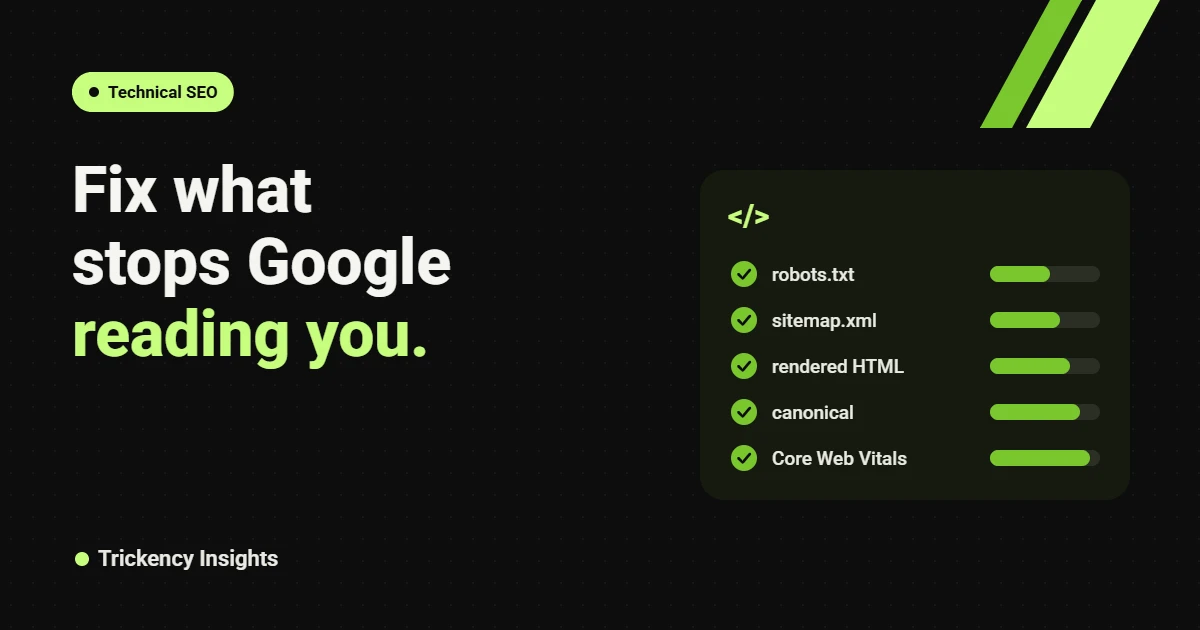
- Robots.txt doesn’t block important sections, and staging or app URLs are blocked.
- XML sitemaps list only indexable, canonical pages and are submitted in Google Search Console.
- Status codes: no important pages return 404 or redirect chains of more than one hop.
- Orphan pages: every page that should rank has at least one internal link pointing to it.
Rendering
- Content in HTML. View the raw source of your key pages. If headings and copy only appear after JavaScript runs, use server-side rendering or static generation. Many AI crawlers don’t execute JavaScript at all.
- Lazy loading doesn’t hide important text or links.
- Tabs and accordions keep their content in the HTML, even when collapsed.
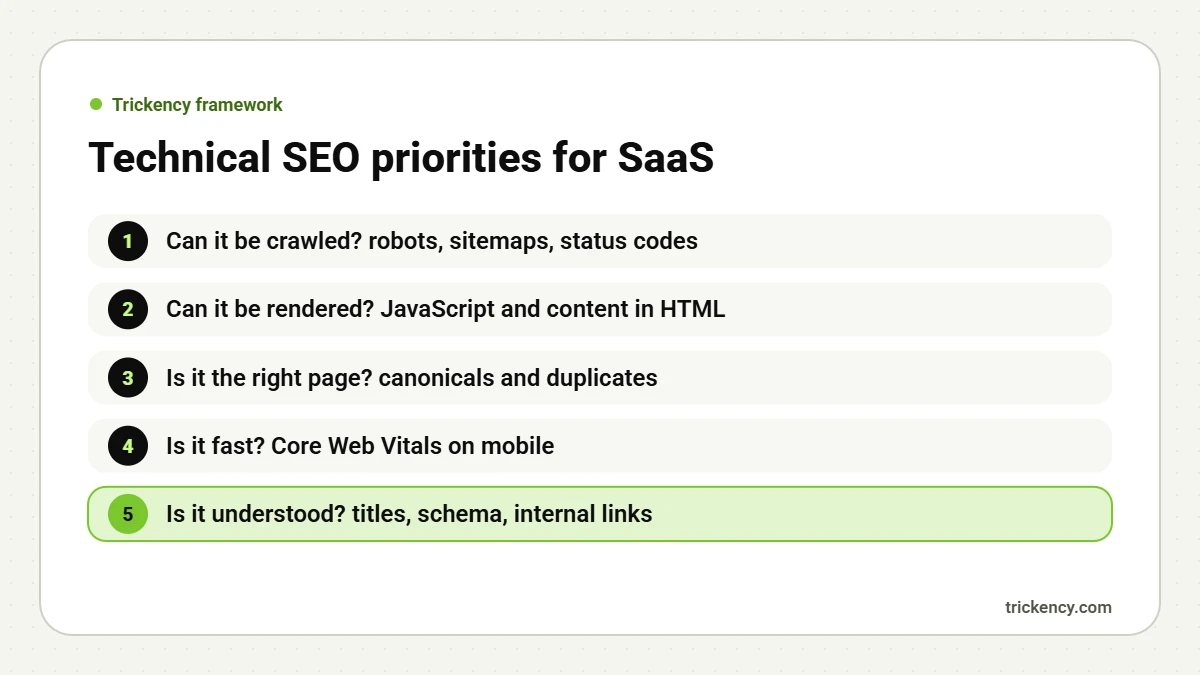
Duplication and canonicals
- One version of each page: http vs https, www vs non-www and trailing slashes all resolve to one URL.
- Canonical tags point to the right page, especially on filtered listings, UTM-tagged URLs and localised pages.
- Docs and changelog duplicates: old versions of docs are either canonicalised or noindexed.
Speed
- Core Web Vitals pass on mobile for your homepage, pricing page and top landing pages.
- Images are compressed (WebP or AVIF) and sized for their containers.
- Third-party scripts (chat widgets, trackers, A/B tools) are audited and deferred where possible.
Understanding
- Titles and meta descriptions are unique and describe who the page is for: “SEO for B2B SaaS” rather than “Services”.
- Structured data: Organization schema with your logo and social profiles, plus FAQ, Article and Product or SoftwareApplication schema where relevant.
SaaS-specific gotchas
- Docs on a subdomain (docs.yourproduct.com) often hold your best long-tail content. Link to them from the main site and make sure they are in a sitemap.
- Login and app pages should be noindexed so they don’t compete with marketing pages.
- Integration pages generated from templates need unique copy, or they become thin duplicates.
How often to check
Run a full crawl every quarter and after any site migration or redesign. Monitor Search Console’s indexing report monthly. Most technical problems are introduced by releases, not by SEO work, so give your developers a short pre-launch checklist.
A quick way to test rendering yourself
You don’t need special tools to spot the most common SaaS problem. Open one of your key pages, right-click and choose “View page source”, then search for a sentence from the main copy. If you can’t find it in the source, that text is being added by JavaScript after the page loads. Google may eventually see it. Many AI crawlers won’t. Then use the URL Inspection tool in Google Search Console and check the rendered HTML and screenshot to confirm what Google actually sees.
Pre-launch checklist for developers
Most technical SEO damage happens during releases. Give your engineering team this short list to check before any marketing-site deploy:
- No “noindex” left on production pages, and no staging URLs in the sitemap.
- Changed URLs have one-step 301 redirects from the old address.
- Titles, meta descriptions and H1s are present on new templates.
- Main copy and links are in the initial HTML.
- Images have alt text and are compressed.
- Core Web Vitals checked on a mobile profile for the changed templates.
What to fix first if you have limited time
If you can only do three things this month, do these: make sure your pricing, product and comparison pages are indexed and in the sitemap; fix any key content that only appears after JavaScript; and add Organization schema with your logo and social profiles. Those three changes protect the pages closest to revenue and help both Google and AI tools understand who you are. Then move on to speed and the long tail. If you want a second pair of eyes, our free audit includes a technical check of your most important pages.
FAQ
Does page speed really affect rankings?
Speed is a ranking factor, but its bigger effect is on conversions. Slow pages lose buyers before they read anything.
Are JavaScript websites bad for SEO?
Not if key content is rendered on the server. Google can render JavaScript, but it is slower and less reliable, and many AI crawlers can’t.
Should our blog be on a subdomain or a subfolder?
A subfolder (/blog/) is usually simpler and keeps authority on one domain. If you already use a subdomain, strong internal linking matters even more.
Want a technical review? Our technical SEO team audits SaaS sites and fixes what blocks rankings. Start with a free audit.

The Trickency team writes about SEO, AI search and LinkedIn for B2B SaaS and tech companies, drawing on real client work since 2021.