SaaS pricing page copy: how to turn visitors into demo requests
Buyers visit your pricing page to decide whether you are worth a call. Most pricing pages give them a grid and a guess. Here is how to write one that answers the real questions.
 Trickency Team
October 21, 2026
4 min read
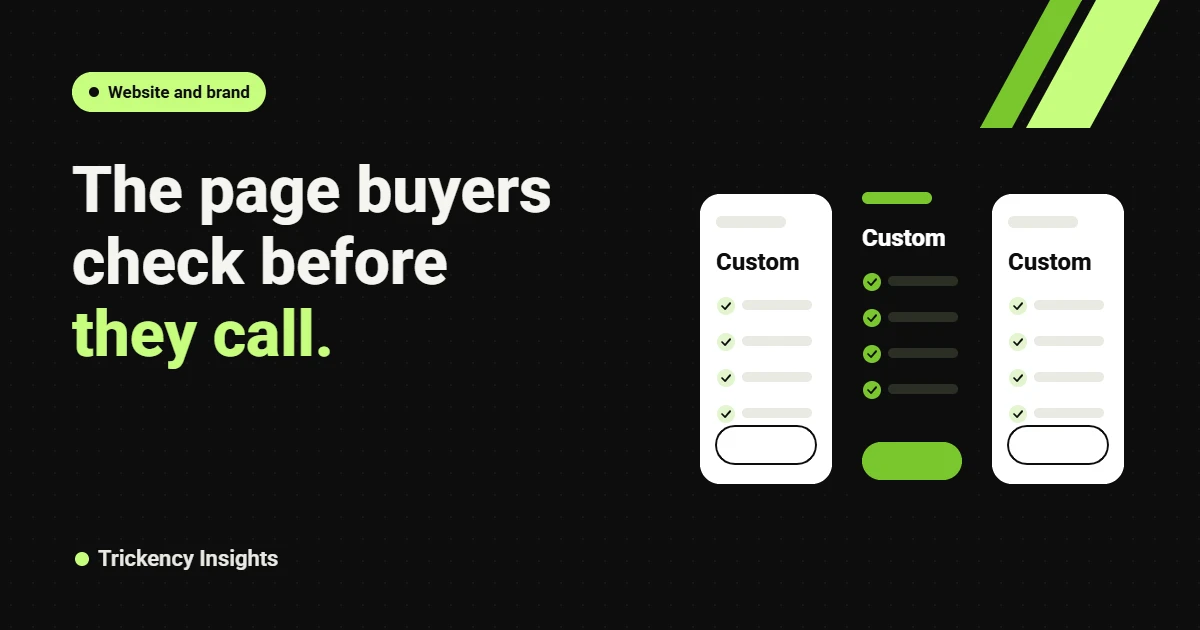
Your pricing page is often the second page a serious buyer visits, right after the homepage. They come with one question: is this worth a conversation? Most B2B SaaS pricing pages answer with a three-column grid, a list of features and a “Contact sales” button. That leaves the buyer guessing, and guessing buyers leave.
Key takeaways
- Lead each plan with who it is for, not what it includes.
- If pricing is custom, explain how you price and give a realistic starting point or range.
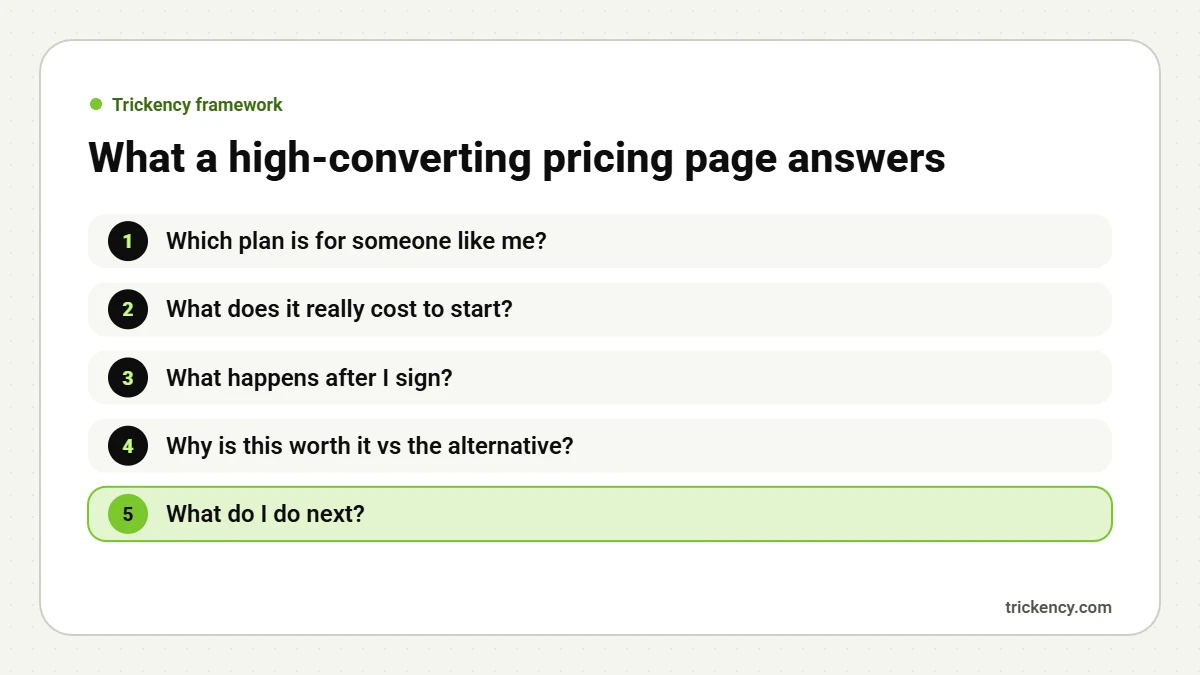
- Answer the top five objections on the page itself.
- Match the call to action to the plan and the buyer’s stage.
Start every plan with “best for”
Buyers scan for the plan that fits them. A line like “Best for teams with one clear gap, such as rankings or LinkedIn” lets them self-select in seconds. Feature lists come second. This is the approach we took on our own pricing page.
Be clear even when pricing is custom
Custom pricing is common in B2B, and it is fine. What hurts conversion is mystery. Explain what drives the price (users, volume, modules), how the quote works, and how fast they will get it. If you can, give a typical starting range. Gartner’s 2026 survey found 67% of B2B buyers prefer a rep-free experience, so the more they can learn without a call, the more likely they are to book one.
Answer objections on the page
Look at your sales call notes. The same five questions come up again and again:
- How long does setup take?
- What is the contract length and notice period?
- Can we start small and upgrade?
- Who owns the data and the work?
- What support do we get?
Put the answers in a short FAQ under the plans. Each answer should start with a direct sentence, which also helps you appear in AI Overviews for pricing questions.
Show value, not just price
Next to the plans, add one line of proof that ties price to outcome: a customer result, a payback period, or a cost comparison with the alternative (hiring, building in-house, doing nothing). Keep it specific and true.
Use the right call to action
“Contact sales” is vague. Match the button to the buyer’s intent: “Request a quote”, “See it with your data”, “Start a free trial”. For your highest plan, “Talk to a specialist” signals expertise rather than a hard sell.
Small details that lift conversion
- Highlight one recommended plan, so undecided buyers have a default.
- Keep the comparison table below the plans, not instead of them.
- Show trust signals near the buttons: client logos, security badges, response time.
- Make the page fast and readable on mobile, where many first visits happen.
Before and after: one plan, rewritten
Before: “Growth. Custom. Everything in Starter, plus advanced features, priority support and more.”
After: “Growth. Best for teams with 20 to 100 users that need approvals and reporting across departments. Custom quote, usually ready within one business day. Includes guided setup in two weeks, priority support and a named success manager.”
The second version tells buyers if they fit, what happens next and what they get. It doesn’t reveal a number, yet it removes most of the uncertainty that stops a buyer from booking a call.
The FAQ block that does the most work
If you only add one thing to your pricing page this month, make it a five-question FAQ written from sales-call objections. Start each answer with a direct sentence. Here is a pattern:
- “Is there a minimum contract?” “Plans are monthly after an initial three-month term. You can cancel with 30 days’ notice.”
- “How fast can we start?” “Most teams are live within two weeks of signing.”
- “Do you offer discounts?” “Annual plans include two months free. Startups under 20 people can ask about our early-stage pricing.”
Answers like these also help with AI search, because buyers increasingly ask assistants questions such as “Does [product] have a minimum contract?”. If your page states the answer plainly, the assistant has something accurate to repeat. See how AI Overviews choose what to cite.
Test one change at a time
Pricing pages are high-traffic and high-stakes, which makes them good for testing. Change one element at a time, such as plan descriptions, the CTA label or the FAQ, and measure demo or trial starts from the page over at least two to four weeks.
FAQ
Should B2B SaaS companies show prices publicly?
If your pricing is simple, yes. If it is custom, explain how you price and give a starting point. Both approaches work. Hiding everything does not.
How many plans should a pricing page have?
Three is a good default. More than four makes the choice harder.
What is a good conversion rate for a SaaS pricing page?
It varies by model, but track the share of pricing-page visitors who start a trial or request a demo, and improve it over time.
Need pricing copy that sells? Our copywriting and conversion rate optimization teams rewrite pricing and demo pages for B2B SaaS. Get a free audit.
Sources: Gartner, March 2026.

The Trickency team writes about SEO, AI search and LinkedIn for B2B SaaS and tech companies, drawing on real client work since 2021.